
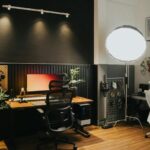
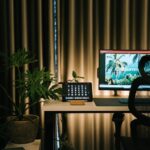
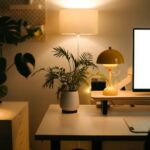

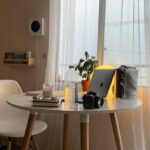
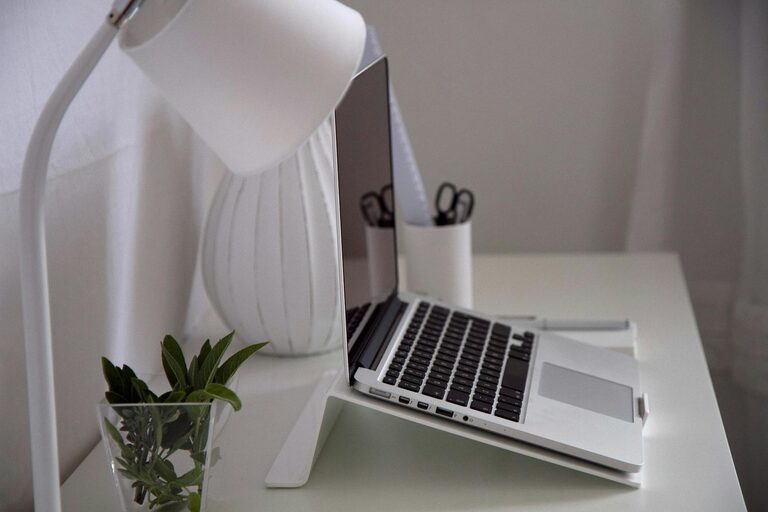
Creating an organized and productive home office space is essential for anyone working remotely or managing tasks from home. A well-designed workspace not only helps you stay focused but also reduces stress and improves efficiency. Whether you have a dedicated room or a small corner, these tips will help you create an environment where you can thrive.
Choose the Right Location
Select a spot in your home that is quiet and has minimal distractions. Ideally, this space should be separate from high-traffic areas like the kitchen or living room. Natural light is a bonus, so try to pick a place near a window. If that’s not possible, ensure you have good artificial lighting that won’t strain your eyes.
Invest in Comfortable and Functional Furniture
Ergonomic Chair
Investing in a supportive chair is crucial since you will likely spend many hours sitting. Look for one with adjustable height, good lumbar support, and comfortable padding. An ergonomic chair helps prevent back and neck pain.
Desk
Choose a desk that matches your work needs. If you use multiple monitors or have a lot of paperwork, a larger desk will help keep everything organized. If space is limited, consider a foldable or wall-mounted desk.
Organize Your Supplies
Keeping your supplies within reach saves time and reduces clutter. Use containers, trays, or drawer dividers to separate pens, paper, chargers, and other essentials. Labeling storage boxes or shelves can make it easier to find items quickly.
Declutter Regularly
A clutter-free workspace promotes clear thinking. At the end of each day or week, spend a few minutes tidying up your desk. Put away loose papers, throw out trash, and file important documents. Regular decluttering maintains an orderly environment that’s easier to work in.
Optimize Cable Management
Cables can quickly become tangled and messy. Use cable organizers, clips, or sleeves to keep cords neat and prevent them from getting caught under your chair or desk. This small step helps create a cleaner look and reduces the risk of accidents.
Personalize Your Space
Adding a few personal touches can make your office feel welcoming and boost motivation. Consider adding plants, artwork, or photos that inspire you. However, keep décor minimal enough to avoid distractions.
Set Up Efficient Lighting
Good lighting is essential to reduce eye strain, especially if you work long hours. Combine natural light with task lighting, such as a desk lamp with adjustable brightness. Avoid harsh overhead lights or glare on screens by positioning lights thoughtfully.
Create a Filing System
Maintain a filing system for your important documents, whether physical or digital. Use labeled folders or binders and sort papers by category or project. For digital files, use clear folder names and back up your work regularly.
Manage Distractions
To stay productive, minimize distractions by turning off notifications on your phone or computer during work time. You can also use noise-cancelling headphones or play soft background music if it helps you focus.
Establish Daily Routines
Having a consistent start and end time for your workday will help you stay on track. Begin your day by organizing your tasks and priorities, and end it by reviewing what you accomplished and planning the next day.
Incorporate Break Areas
If space allows, include a small area for breaks to stretch or relax. This helps you recharge and prevents burnout during long working hours.
—
By following these tips, you can design a home office that supports your productivity and keeps you organized. Remember, the best workspace is one tailored to your needs and preferences, so feel free to adjust these ideas to fit your lifestyle. A thoughtful setup can make working from home a more enjoyable and effective experience.

More Stories
Tips for Creating a Cozy and Inviting Home Office Space
Tips for Creating a Cozy and Productive Home Office Space
Tips for Creating a Comfortable and Productive Home Office Space